Animation: Six AI ideas lie scattered and sort themselves into the columns First, Next and Later. Draft sales order and service knowledge come first. The top line then reads: order set. At the end a mark reads “EU AI Act checked”.
Animation: Twelve dots, one per AI idea from your team, move into a grid with the axes value and feasibility. The field with high value and high feasibility turns dark and reads First, its three dots become 1, 2 and 3. At the top: prioritized together.
FirstValueFeasibility123
This first.
12 AI ideas
Where to start?
Animation: Twelve AI ideas as keywords. Nine step back, three move forward and line up as 1, 2 and 3: draft sales order, service answers, draft quote. Below: 9 for later.
Order first, then technology. We gather your team’s AI ideas and rate them with you for value and feasibility. The result is a clear order, with architecture, model choice and the rules of the EU AI Act.
We decide with you what comes first. We gather your team’s AI ideas and rate them with you for value and feasibility. The result is a clear order, with architecture, model choice and the rules of the EU AI Act.
A roadmap with a clear first step. We assess up to 20 use cases for value and feasibility and set the order, with architecture, model choice and the rules of the EU AI Act.
Animation: A status indicator like a system notice. From the inbox: order detected. In the ERP: draft sales order created. Then: your team approves. Below, the steps email, order and approval are checked off.
Order detectedDraft sales order createdYour team approvesInboxERPEmailOrderApproval
Email in. Order out.
Arrived by emailCreated in the ERP
An order
Animation: An order arrives by email. It moves into the ERP and becomes a draft sales order with six items, first for approval, then your team approves it.
Order by email6 items · PDF07:42ERP · Sales ordersDraft sales order6 items · from emailFor approvalApprovedApproval: your team
Email in. Order out.
4 systemsOrder in the ERP
Inbox, CRM, PIM, ERPYour team approves
Animation: Inbox, CRM, PIM and ERP connect to the centre one after another. A dot travels from the inbox through the centre into the ERP, where a new order appears. At the top: order in the ERP, your team approves.
InboxCRMPIMERP1
Email in. Order out.
The work lands in your ERP. We connect language models to ERP, CRM, PIM and the inbox. An emailed order becomes a draft sales order, and your team approves it.
The agent prepares, your team approves. We connect language models to ERP, CRM, PIM and the inbox. An emailed order becomes a draft sales order, and your team approves it.
Inbox, CRM, PIM and ERP work as one. We connect language models to ERP, CRM, PIM and the inbox. An emailed order becomes a draft sales order, and your team approves it.
Animation: Fine construction lines turn into an app icon with a drafting compass. It connects, small rings spread from it. At the end: fixed price before we start.
Doesn’t exist? We build it.
Fixed price before we start
A gap in the processGap closed
For your service team
Animation: A toolbar with three standard programs has an empty slot. A new tool is drawn from construction lines and snaps into place: your tool. At the end: fixed price before we start.
Your tool
Doesn’t exist? We build it.
Fixed price before we start
Device, no appConnected
Your device
Animation: A device and a phone, drawn in fine lines, send out rings and find each other. A line connects them and your own service app appears on the phone. At the end: fixed price before we start.
Doesn’t exist? We build it.
Fixed price before we start
A tool for exactly your case. Apps, agents and device connections for cases no tool covers yet. Scope and price are fixed before we start.
Built around your process. Apps, agents and device connections for cases no tool covers yet. Scope and price are fixed before we start.
What doesn’t exist yet, we build. Apps, agents and device connections for cases no tool covers yet. Scope and price are fixed before we start.
Animation: A white circle pulses, turns into a lock and then a check mark: access granted for sales. Below, access, policies, training and operations are checked off.
ChatGPT? Safely!
Access
Policies
Training
Operations
EnablingEnabled
Your teams
Animation: A list like in the settings. Sales, service and purchasing get access one after another, the switches flip on. Below: policies on, what may go in and what may not.
SalesServicePurchasingPolicies onwhat may go in and what may not
ChatGPT? Safely!
First team
Sales
Animation: A chat window with a lock and the title company knowledge. A question from sales, then the answer with two approved sources. At the top: policies on.
Company knowledgePolicies onSummarise the quote for customer A.Done. Only approved sources used.Quote.pdfPrice list
ChatGPT? Safely!
From one-off prompts to a shared way of working. Access, policies, training and operations for ChatGPT and OpenAI models, as an OpenAI Select Partner.
Team by team, with clear policies. Access, policies, training and operations for ChatGPT and OpenAI models, as an OpenAI Select Partner.
With your knowledge, under your rules. Access, policies, training and operations for ChatGPT and OpenAI models, as an OpenAI Select Partner.
How AI takes root in your company. Human + AI teams? We’ve already tested them successfully.
Seed · Intro call
Listen first.
Animation: The question “Where do we start with AI?” is answered with a confirmed appointment: intro call, 20 minutes with the founder.
Your request
Where do we start with AI?
Tue10 AMIntro call20 minutes with the founderConfirmedUsually a reply the same business day
Everyone is talking about AI. Where do you start? In 20 minutes with the founder, we find where AI helps you first. Whether you go further is your call.
Roots · AI strategy
Sort first, then build.
Animation: Scattered sticky notes with use cases sort themselves into the columns First, Next and Later. The draft sales order is marked as the start.
Use casesprioritizedunsorted
FirstDraft sales orderStart
NextDraft quoteService answers
LaterDealer materialsContract review
Plenty of ideas, no order. We evaluate your use cases for value and feasibility. Your team decides where to start.
Trunk · Integrations
From PDF to sales order.
Animation: An email with a PDF attachment becomes a draft sales order. The line items fill in row by row, one is flagged for review, and at the end the draft is ready for approval.
InboxAgentYour team
New orderTodayfrom PurchasingOrder.pdf
Draft sales orderDraftOrder.pdf
CustomerDelivery date
Line itemQtyStatus
?review
Posted only after approval.For approval
Order.pdf
Orders arrive as PDFs, and someone types them in. An agent reads along, creates the draft sales order and flags anything unclear. Your team reviews and approves.
Branches · OpenAI rollout
ChatGPT, with rules.
Animation: Three private chats become one shared ChatGPT workspace with a template, an approved source and rules in place.
ChatprivateChatprivateChatprivate
ChatGPTWorkspace · Sales
Template · Quote
Prepare a quote for the new inquiry
Source: CRM · approved
Rules onWhat may go in is defined.
Many people already use ChatGPT, each on their own. We set up a shared workspace with templates, approved data sources and clear rules. Your team learns on real tasks.
Crown · Brand Studio
Four languages. One layout.
Animation: A slide switches from German to English, French and Italian. Text and image stay in place, and at the end four versions sit side by side.
OriginalAI + glossaryBrand team
DEENFRIT
ProduktbroschüreProduct brochureBrochure produitBrochure prodotto
Ihre Marke. In jedem Format.Your brand. In every format.Votre marque. Dans tous les formats.Il vostro marchio. In ogni formato.
Präsentationen und Broschüren aus freigegebenen Produktdaten, immer im Markenbild.Presentations and brochures from approved product data, always on brand.Présentations et brochures issues de données produit validées, toujours fidèles à l’image de marque.Presentazioni e brochure da dati di prodotto approvati, sempre in linea con il marchio.
azena
Glossary appliedLayout unchanged
DEENFRIT
Translating used to mean re-typesetting. AI translates with your glossary, and the file looks like the original. Your brand team approves.
New shoots · Custom builds
Devices, connected.
Animation: An app searches its surroundings for devices and finds a camera, a sensor, a pump, and a meter. One by one, they are connected via MCP. At the end, the app shows: 4 devices connected.
DevicesMCPService team
CameraSensorPumpMeterMCP
NearbyMCP4 devices connectedConnecting via MCP…Searching…
Cameraconnectedfound
Sensorconnectedfound
Pumpconnectedfound
Meterconnectedfound
Devices know a lot, systems very little. We’re leading an AIoT project: an app finds the devices nearby and connects them to your systems via MCP. Your service team decides.
Tree · azena
Grown, not bolted on.
Animation: From three roots – data, processes, brand – a tree grows stage by stage from Q1 to Q4, from draft sales orders to dealer materials. Each stage is approved before the next one grows.
RoadmapExample
Q4Dealer materials from product data
Q3Draft quotes from inquiries
Q2Answers from manuals
Q1Draft sales orders from the inbox
RoadmapExample
Q4Q3Q2Q1
Dealer materials from product data
Draft quotes from inquiries
Answers from manuals
Draft sales orders from the inbox
DataProcessesBrand
RoadmapExample
Q4Q3Q2Q1
Dealer materials from product data
Draft quotes from inquiries
Answers from manuals
Draft sales orders from the inbox
DataProcessesBrand
AI with a foundation. Rooted in your data, your processes, your brand. AI does the groundwork, and the decisions stay with you.
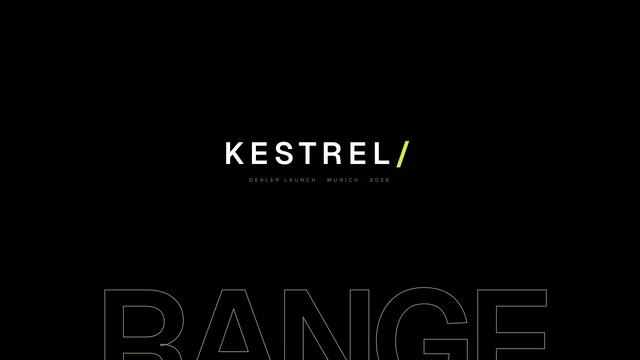
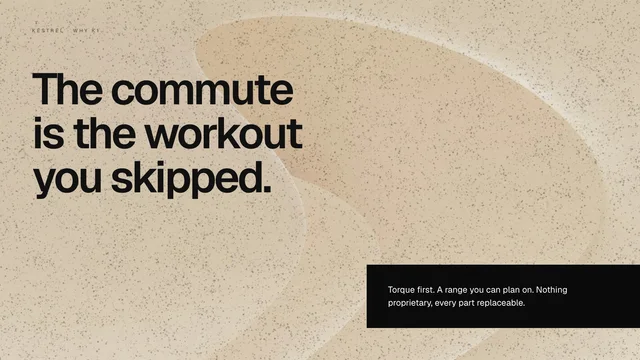
Your AI assistant pulls brand, product data and images straight from Brand Studio and builds the slides itself. Via MCP, in Claude, Codex, Copilot or Cursor.
CodexOpenAIBrand Studio connected
Turn our Q3 update into a dealer deck for the K1 Trail. Eight slides, English.
brand_studio · get_guidelines
brand_studio · get_product_knowledge
brand_studio · search_media
Done. The deck is in Brand Studio, waiting for your approval.
Codex …
GitHub CopilotChat · VS CodeBrand Studio connected
Turn our Q3 update into a dealer deck for the K1 Trail. Eight slides, English.
brand_studio · get_guidelines
brand_studio · get_product_knowledge
brand_studio · search_media
Done. The deck is in Brand Studio, waiting for your approval.
Copilot …
ClaudeCoworkBrand Studio connected
Turn our Q3 update into a dealer deck for the K1 Trail. Eight slides, English.
I’ll get your brand from Brand Studio for that.
brand_studio · get_guidelinesBrand KESTREL · version 13
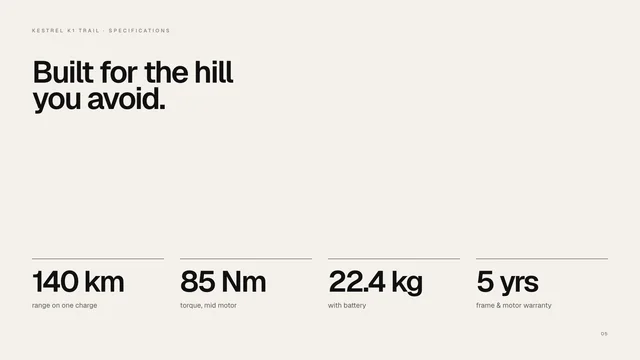
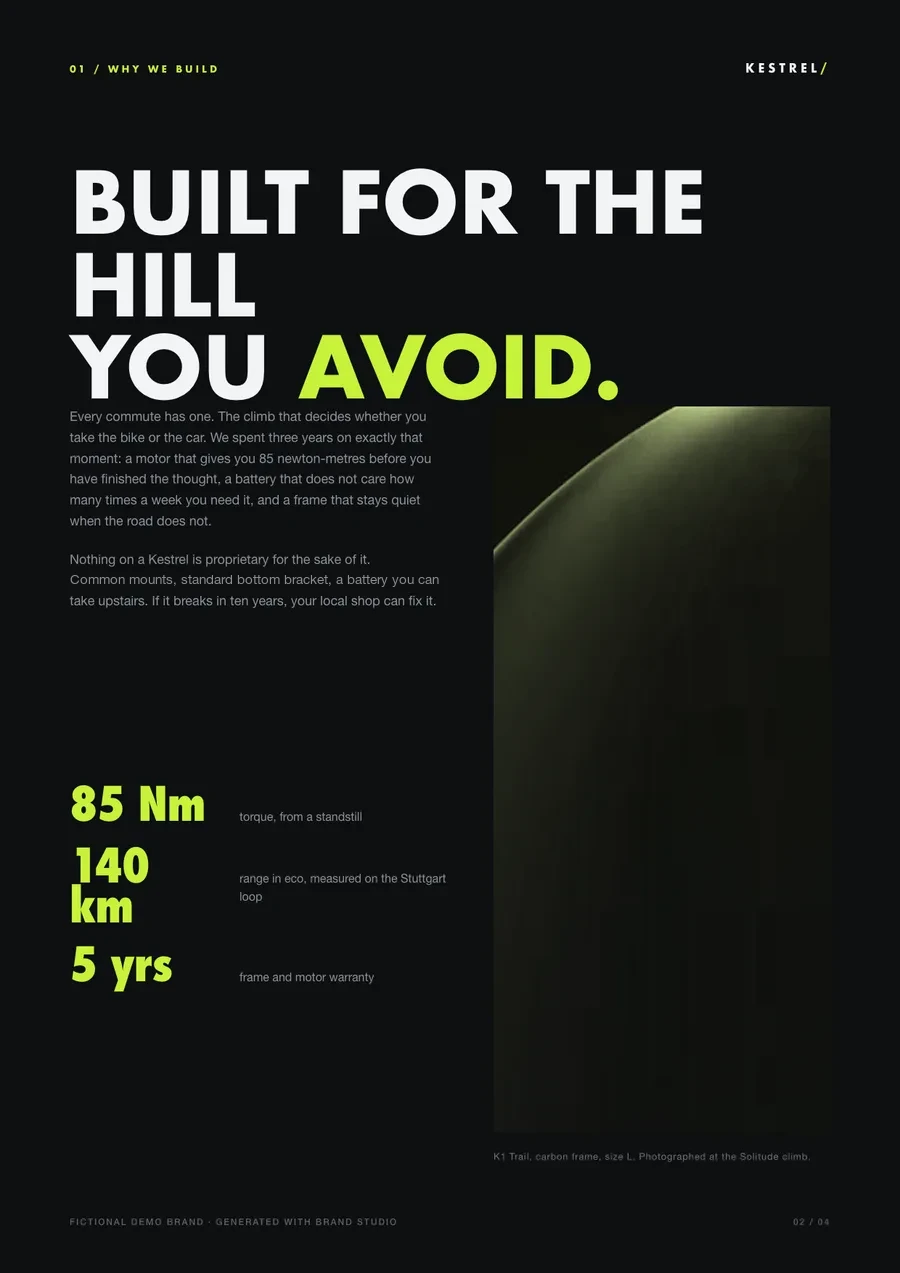
brand_studio · get_product_knowledgeK1 Trail · 85 Nm · 140 km · 22.4 kg
brand_studio · search_media6 approved images found
brand_studio · create_presentation8 slides on the KESTREL master
















 azena